Lyrics follow
the music.
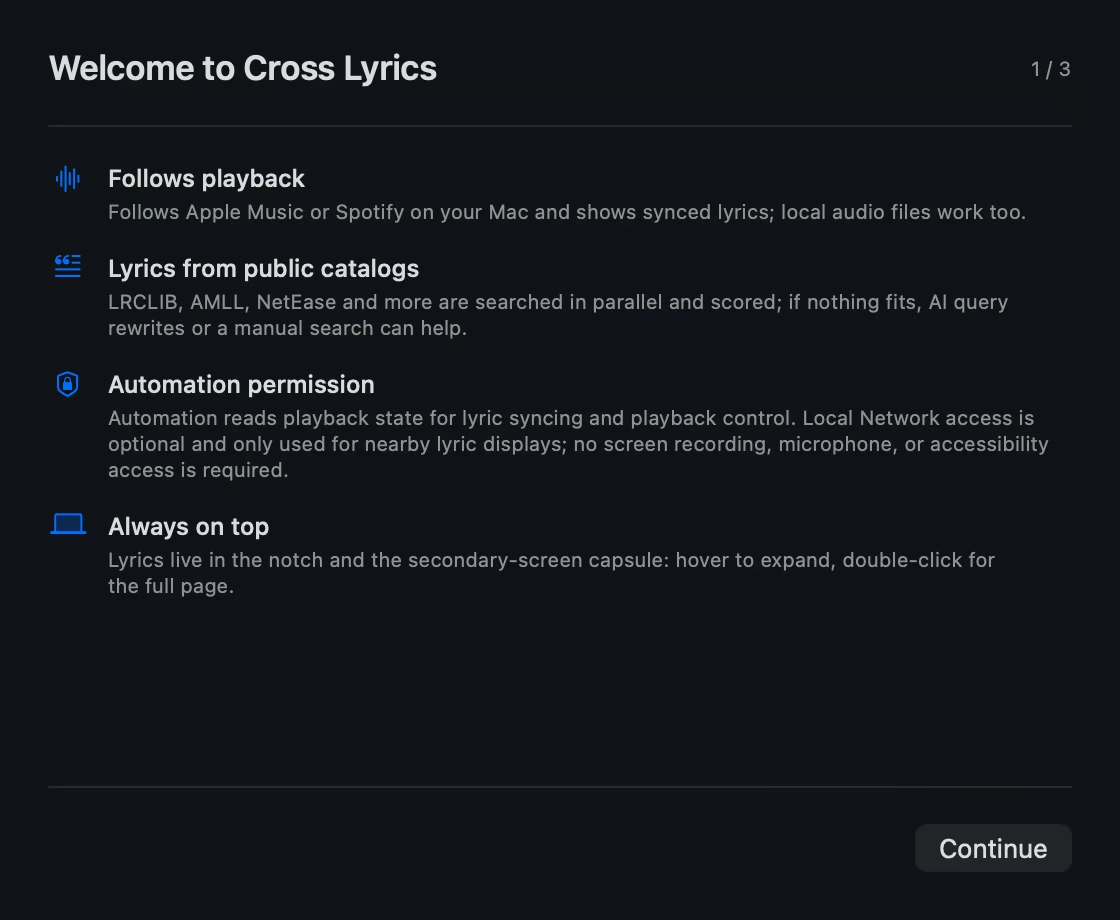
Cross Lyrics follows the music playing on your Mac and carries synchronized lyrics to every screen. It can read and control Apple Music and Spotify, and follow supported players such as NetEase Cloud Music, QQ Music, and Kugou read-only through macOS Now Playing.
One player, many lyric screens
Play on Mac. Every screen understands.
Mac identifies the song, ranks lyric matches, and calibrates the timeline. On the same local network, iPhone and iPad receive that result instead of searching again. If a phone starts its own playback, local playback wins.


- 01
Keep your usual player
Apple Music and Spotify support reading and playback control. NetEase Cloud Music, QQ Music, Kugou, and other supported players are followed read-only through macOS Now Playing.
- 02
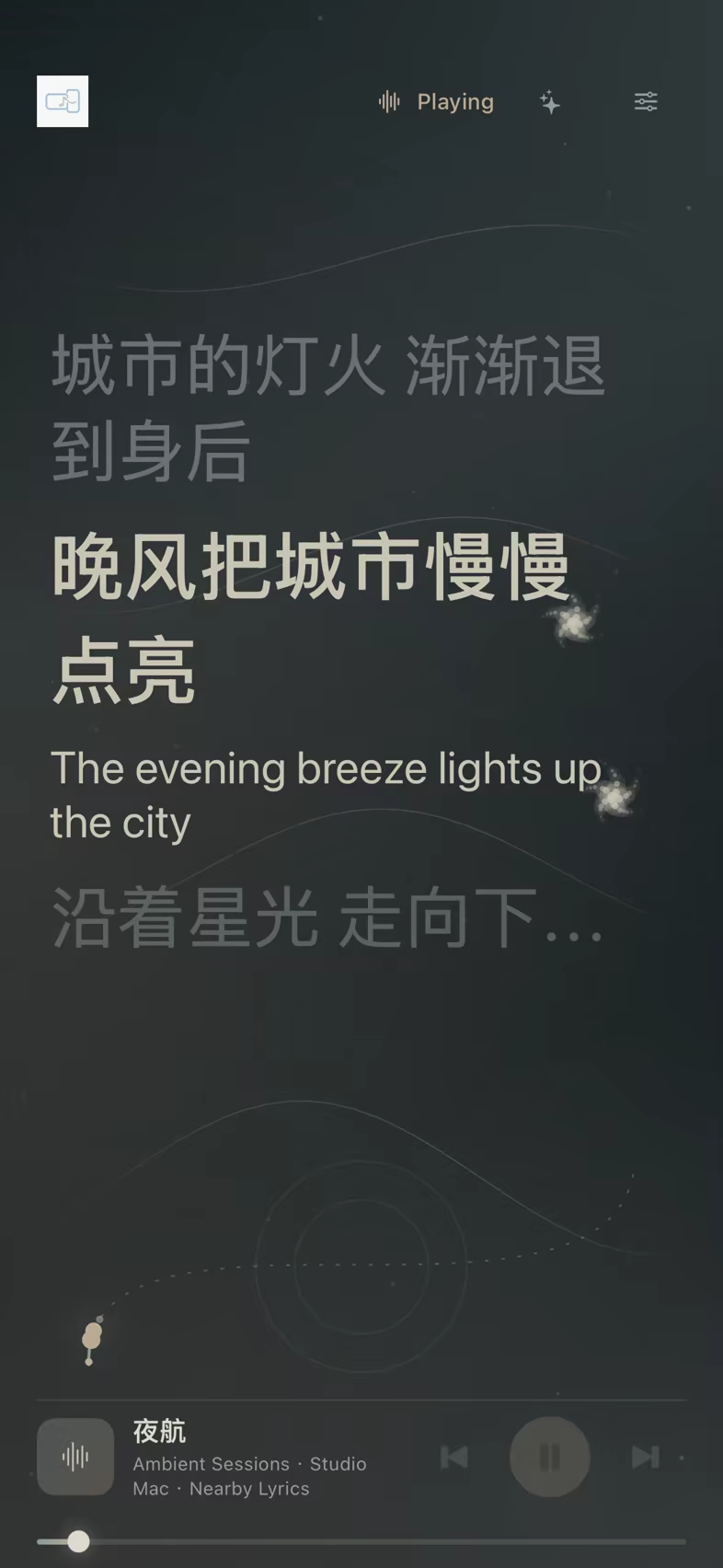
Pick up a device and continue
Open the companion app in front and it follows the nearby Mac with the same song, lyrics, and calibration.
- 03
Lock the screen, keep the line
With cross-device Lock Screen lyrics enabled, the current and secondary line update through the optional Relay to Live Activity and Dynamic Island.
Listen to a line
The audio and lyrics are original project content, using plain LRC. Without word timestamps, line progress is estimated by character count and stops at the end of the line instead of pretending to know more than it does.
That is how the app behaves too: no reliable word timing, no fake precision.
Three themes that follow the song
The progress rail changes with the visual: Night Flight is a comet trail, Orbit is a dotted star path, and Tide is a wave fill. When Spotify provides artwork, its colors tint the background.


Four sources, one ranked result
When a song changes, LRCLIB, AMLL, NetEase Cloud Music and QQ Music are queried in parallel. Candidates enter one scoring system; the first response does not automatically win.
Scoring checks title, artist, version, duration, timeline quality, and agreement across sources. After the first usable result, the app waits briefly for a more reliable match.
If the match is wrong, “Not this song” remembers the rejection and searches again. If all four miss, the app removes noisy version text before retrying; a configured AI endpoint can optionally suggest library-friendly spellings.
Hear the original. Understand it, too.
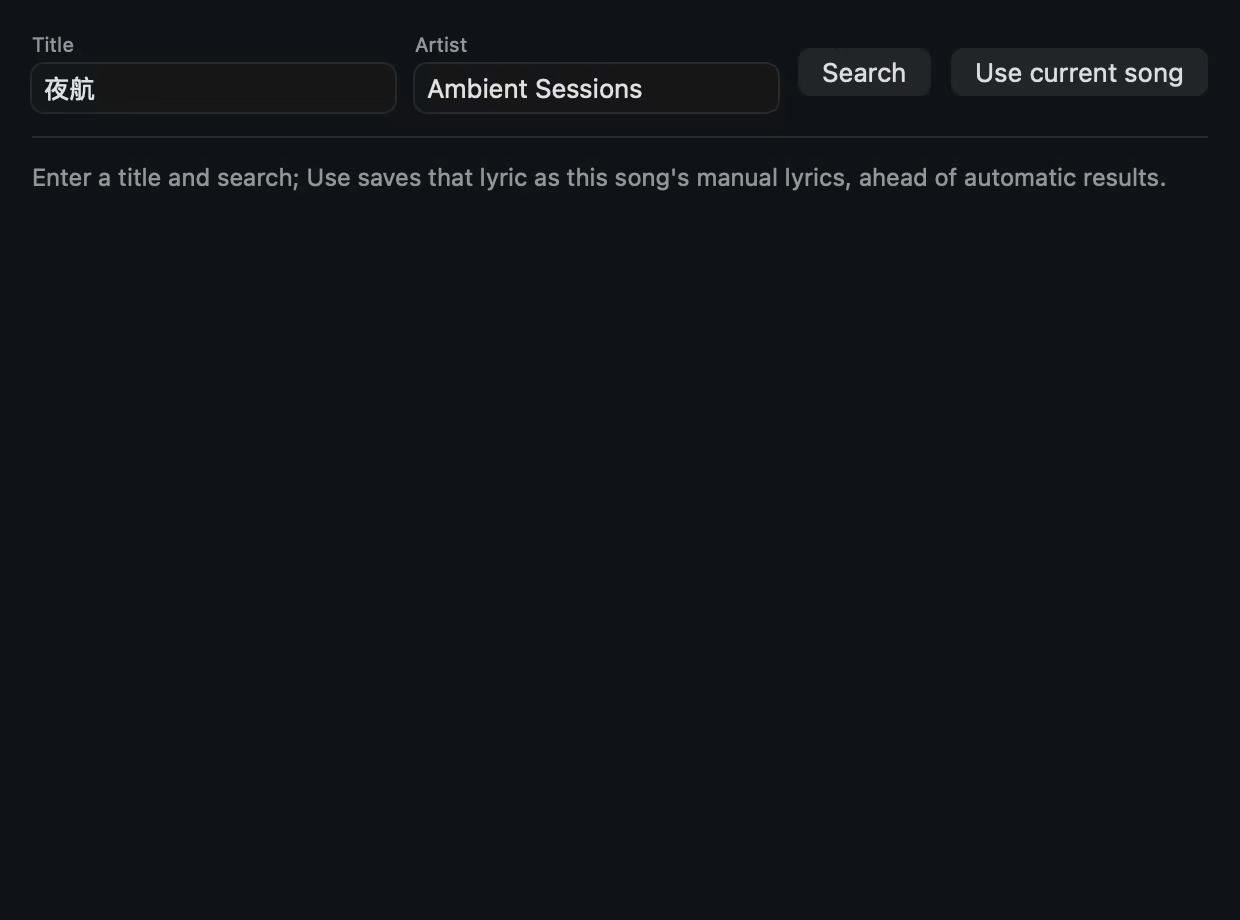
Original lyrics, translations, and romanization move along one timeline. Chinese targets prefer an available community translation, then fall back to the system translator. You can also choose your own OpenAI-compatible service.
Japanese and Korean lyrics can show a romanized sing-along line. “Explain this line” gives a short plain-language reading; the vocabulary book keeps useful words with pronunciation, meaning, and the source line. AI is an understanding layer, not a requirement for the product to work.
AI usage limits
The default cap is 150 requests and an estimated ¥1 per day, with at most three requests per song. At the limit or on failure, translation falls back to the system service.
The API key stays in the system keychain, never in a config file.
Permissions only when needed
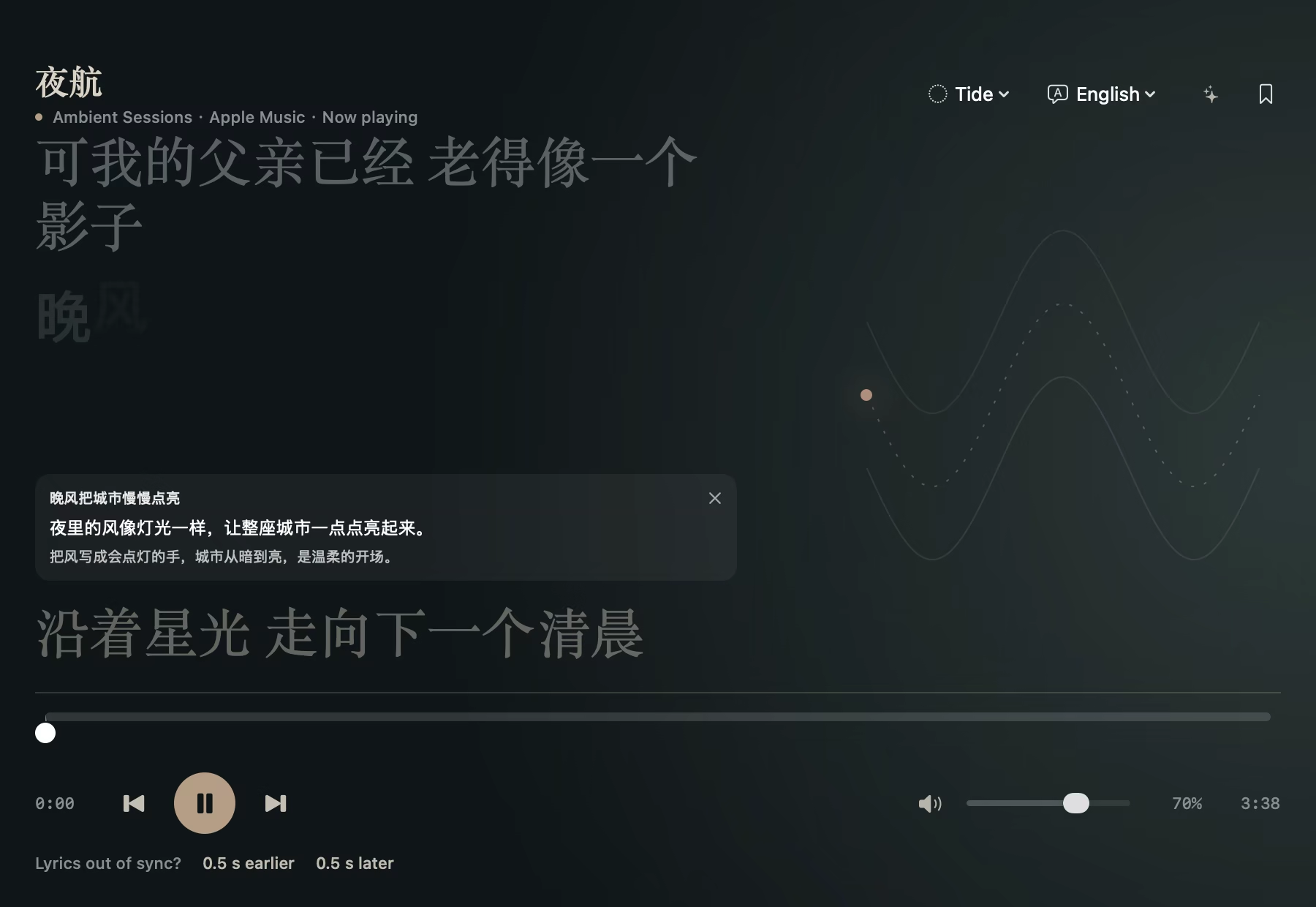
Mac may request Automation to read and control Apple Music and Spotify, plus Local Network when the nearby lyrics screen is enabled. It does not request screen recording, microphone, accessibility, or full-disk access; local audio is opened through the file picker.
For local audio, melody bars use a real FFT (Accelerate/vDSP, 20 logarithmic bands). Streaming players do not expose an audio stream, so the app uses lyric events instead and labels the result honestly.
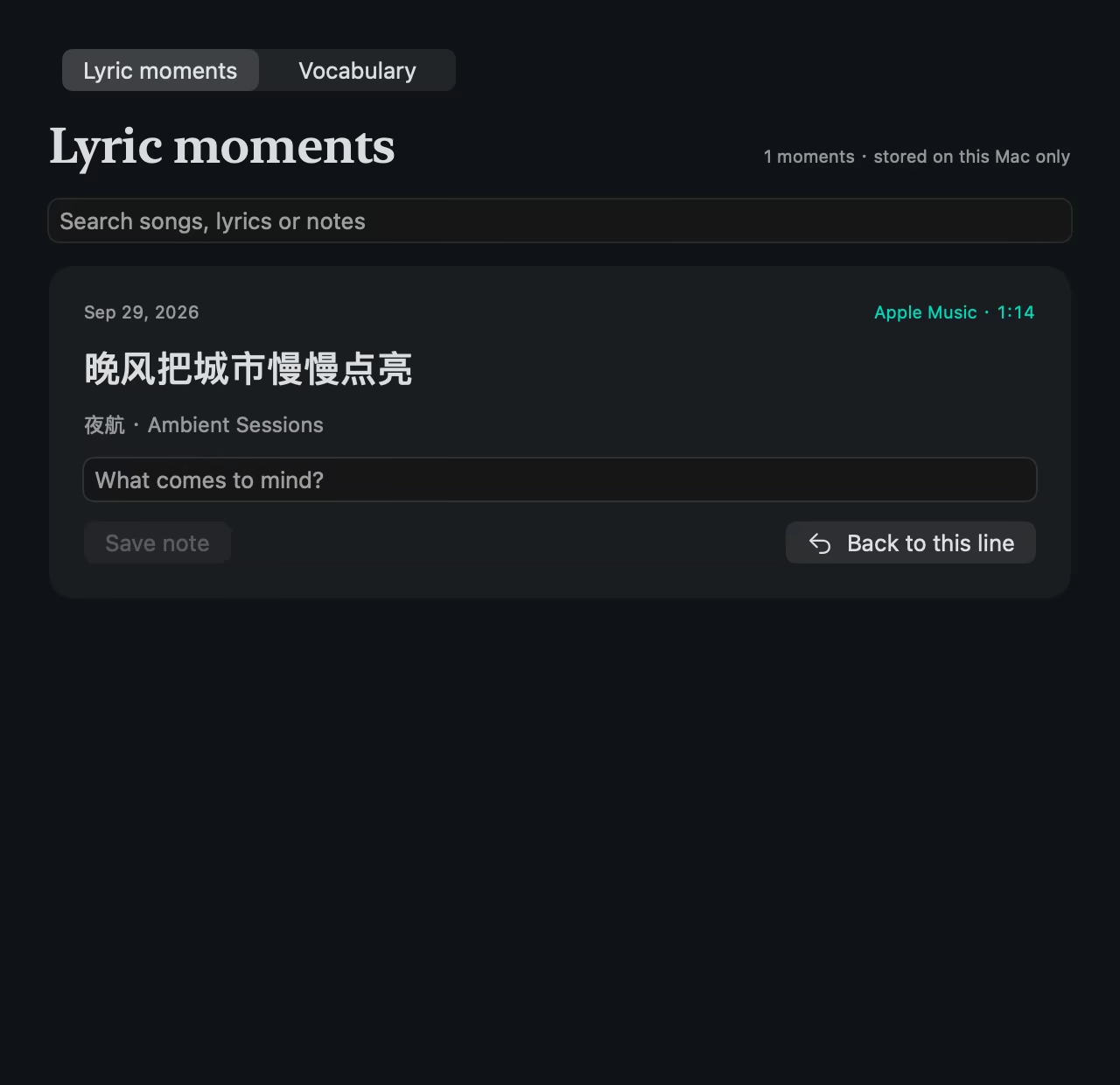
Moments, notes, lyric and translation caches, and usage records stay in ~/Library/Application Support/AmbientLyrics. Nearby devices exchange playback data, lyrics, and style through an encrypted local session. There is no account.
With cross-device Lock Screen lyrics enabled, the song title, current line, and secondary line travel through Cloudflare Relay, then APNs to iPhone. No audio stream is sent. AI lyrics leave the device only when you enable a model service.
Lookup queries, candidate scores and rejection reasons are appended to local lyric-decisions.jsonl; deleting it does not affect use.
Quick answers
About Cross Lyrics
These answers describe what the product does today, without dressing a local prototype up as an all-knowing AI miracle.
- What is Cross Lyrics?
- Cross Lyrics is a local-first, cross-device Mac lyrics app. It follows the current player, shows synchronized lyrics, translations, and romanization in the Mac notch and desktop lyrics page, and can continue them on iPhone, iPad, the Lock Screen, and Dynamic Island.
- How does cross-device lyric sync work?
- The Mac resolves the song, lyric match, and timing once; a foreground iPhone or iPad receives the same result through an encrypted local-network session. Optional Lock Screen lyrics send only the song title and lyric lines through Relay and APNs to Live Activity, never the audio stream.
- Is AI required?
- No. Lyric lookup, synchronized display, and system translation work without an AI service. Cross Lyrics uses a user-configured OpenAI-compatible endpoint only for optional query suggestions, translations, romanization, or line explanations, with fallbacks when the service fails or reaches its limit.
- Where is lyric and privacy data stored?
- Lyric caches, translations, saved moments, notes, and usage records stay on the Mac by default, with no account required. Content leaves the device only when you enable a model service or the optional remote Lock Screen relay.
- Which music players are supported?
- On Mac, Apple Music and Spotify provide full reading and playback controls. Supported players such as NetEase Cloud Music, QQ Music, and Kugou can be followed read-only through macOS Now Playing when they expose title, artist, and progress metadata; lyrics can still continue to companion devices, but Cross Lyrics cannot control those players. Local audio and manual LRC imports are also supported.
Bring it home
Requires macOS 13 or later; the iPhone and iPad companion requires iOS 17 or later. This is still a local prototype, and the Mac install script does not install the mobile companion.
zsh ./install-local.sh